Stop Treating Your Chatbot Like a Toy
An AI chatbot for business should not be a cute widget that sits in the corner of your site. It should help turn clicks into booked jobs. If you are spending real money on ads and SEO, you cannot afford to let those visitors slip away.
Most small business owners think a chatbot is there to answer quick questions, collect after-hours messages, and maybe cut down on phone calls. The real pain is deeper. You get traffic, but the leads feel random. You are not sure which clicks turn into jobs, and which ones just bounce.
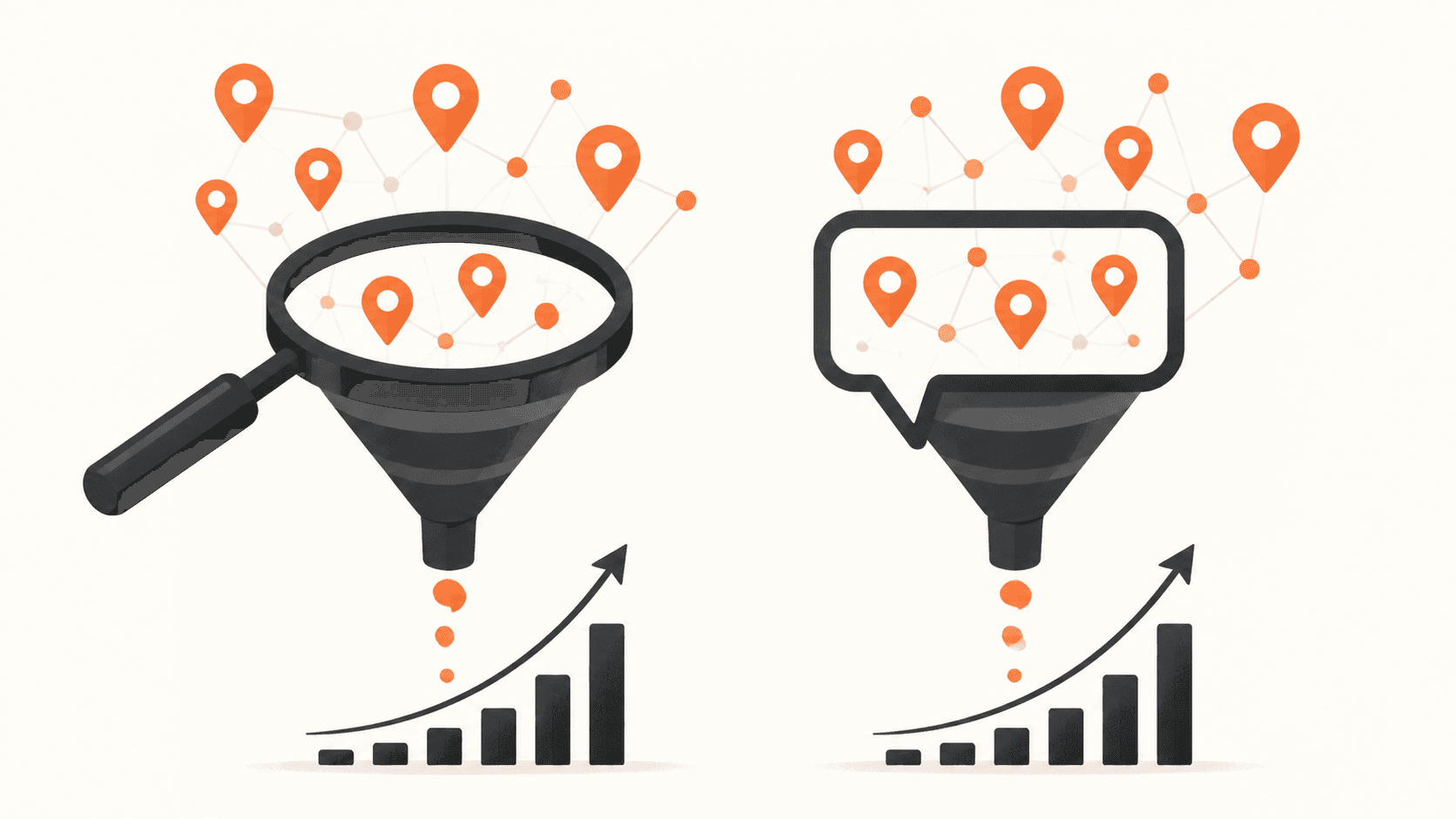
When your chatbot is part of a connected marketing system, it becomes a key piece of what we call your Invisible Sales Funnel. It works in the background so more of your traffic turns into booked work, without you chasing every message in real time.
Here is the big missed opportunity. Most small businesses reply to new leads hours after they come in. Yet leads that hear back in minutes are far more likely to turn into real customers. In summer, when local services are busy and people are shopping around, slow response hurts the most.
AI can fix your "speed to lead". That only happens if your chatbot is tied into your CRM and your follow-up, not just pasted on your homepage and forgotten.
Why Most Chatbots Do Not Actually Bring You Leads
The problem is not that AI chatbots are bad. The problem is how they are set up.
Problem 1: You installed it and walked away
Most businesses do this:
- Copy and paste a generic chatbot script
- Leave the default questions and answers
- Never check what people are asking
To the visitor, it feels like talking to a wall. They get vague answers, no clear next step, and no easy way to book. If 1,000 people visit your site and only a small fraction fill out a form, a lazy chatbot that adds a tiny bump is not pulling its weight.
Problem 2: Your chatbot is not tied to your system
A lot of chat tools will collect a name and email. Then they dump that info into:
- An inbox that no one watches closely
- A random spreadsheet
- A notification that gets buried
That kills your speed to lead. You see messages hours later, or after a busy weekend, when the lead has already booked with someone else.
When chats flow straight into one CRM like CedarCRM, with automatic tasks, texts, and emails, every new chat turns into a real lead inside your Invisible Sales Funnel. Nothing sits in limbo.
Problem 3: The wrong questions, in the wrong order
Many bots ask for:
- Full name
- Phone
- Postal code
- Budget
All in the first 10 seconds. Most people bail. They have not seen any value yet.
The fix is simple. Start with an easy question that proves you can help. For example, "What kind of project are you working on?" Then keep the conversation going. Ask for contact details only after you have shown you understand their problem.
This should match your Three-Channel Marketing System. Whatever your ads and local SEO pages promise, your chatbot should continue that same conversation, not start from scratch.
Turn Your Chatbot Into an Invisible Sales Rep
A real AI chatbot for business should feel like a calm, trained coordinator who works 24/7. Not a robot that spits out random text.
Its main job is simple:
- Qualify the lead
- Capture clean contact info
- Route the lead into CedarCRM
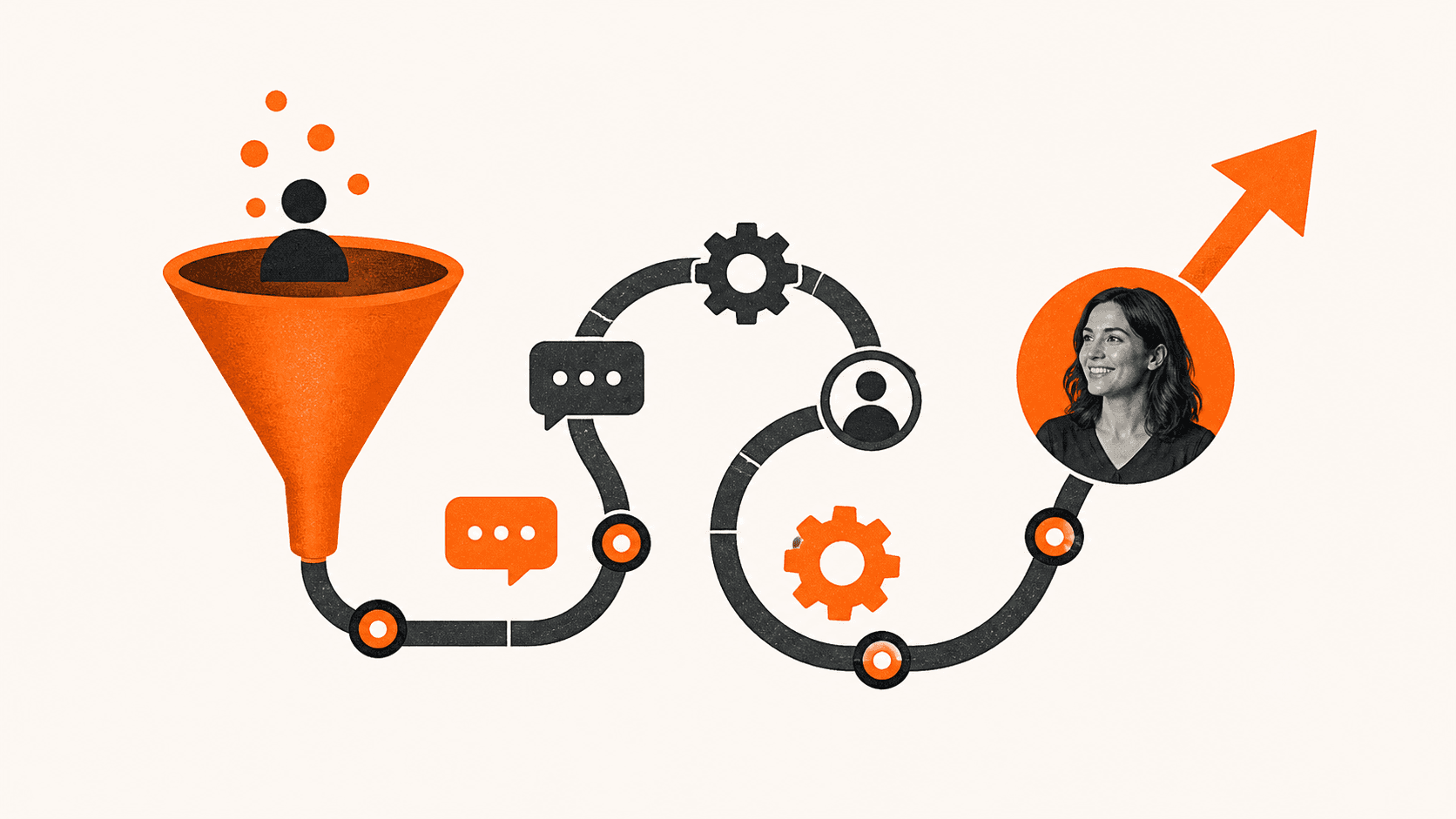
That is how it feeds your Invisible Sales Funnel. The chat is the entry point. Your CRM and follow-up move people from curious to booked, without you manually chasing every message.
The 3 jobs of a real sales chatbot:
- Greet and guide
- Speak in your voice, clear and human
- Offer 2 or 3 simple paths, like "Book a quote", "Ask a quick question", or "See pricing"
- Keep answers short and to the point
- Qualify in under 60 seconds
It should ask 3 to 5 smart questions, such as:
- Location or service area
- Type of service they need
- Timeline, like "this week" or "next month"
Then it flags hot leads that need fast action, like anyone who needs help right away.
- Capture must-have details
The bot should ask for name, phone, and email only after it has helped a bit. Then it should set clear expectations, such as "We will text you in the next few minutes with two time options."
Every chat should trigger a workflow in CedarCRM. That could be a text, an email, or both. This is especially powerful when summer is busy and you are on the road or away from your desk. Your system keeps talking to leads while you focus on the work in front of you.
Marketing should be a system, not a gamble. The chatbot is only as strong as the system it connects to.
Speed to Lead, or Lose the Job
When it comes to local leads, timing usually beats the perfect pitch. Calling a lead quickly can raise your odds of actually talking to them by a large margin compared to waiting even half an hour.
Think about how people shop for service businesses. Homeowners or business buyers often click on three or four competitors in a row. The first one to respond with a clear, simple next step often wins. Every missed call is a missed opportunity. A slow response to a chat is no different.
Here is how an AI chatbot for business boosts speed to lead:
- Answers instantly on your website
- Can plug into your Google Business Profile
- Can connect from links in your ads
As soon as someone shares a phone number, CedarCRM can send a text within seconds. That text might offer a direct booking link or a quick question like "Do you have any photos you can share?" Now you are in a live conversation while your competitors are still checking voicemails.
Over time, this helps you rise up the ranks. When more people who click your Google Listing or ads end up booking, your engagement goes up. That sends strong signals for your local SEO.
In summer, your team is often on the road and no one can sit by the phone. A connected marketing system catches chats, missed calls, and web forms in one place. Then it starts the conversation for you. Speed to lead plus consistent follow-up beats big budgets and fancy sites that leak leads.
A Simple Three-Channel System That Actually Books Jobs
Here is how we look at small business marketing, whether you are in Vancouver or any other city.
Your Three-Channel Marketing System:
- Channel 1: Local SEO and your website traffic
- Channel 2: Paid ads like Google Ads or local service campaigns
- Channel 3: Follow-up and remarketing by text, email, and retargeting
Your chatbot sits at the crossroads of all three. Anyone who finds you through search, ads, or follow-up messages can land in a chat that keeps them moving.
A simple flow looks like this:
- Someone searches, or clicks an ad.
- They land on your site, and the chatbot starts a short, helpful conversation.
- CedarCRM tags the lead by source so you know where they came from.
- Your 90-Day Growth Plan kicks in, with:
- Immediate text
- Next-day email
- Week 2 check-in
- Week 4 offer or reminder
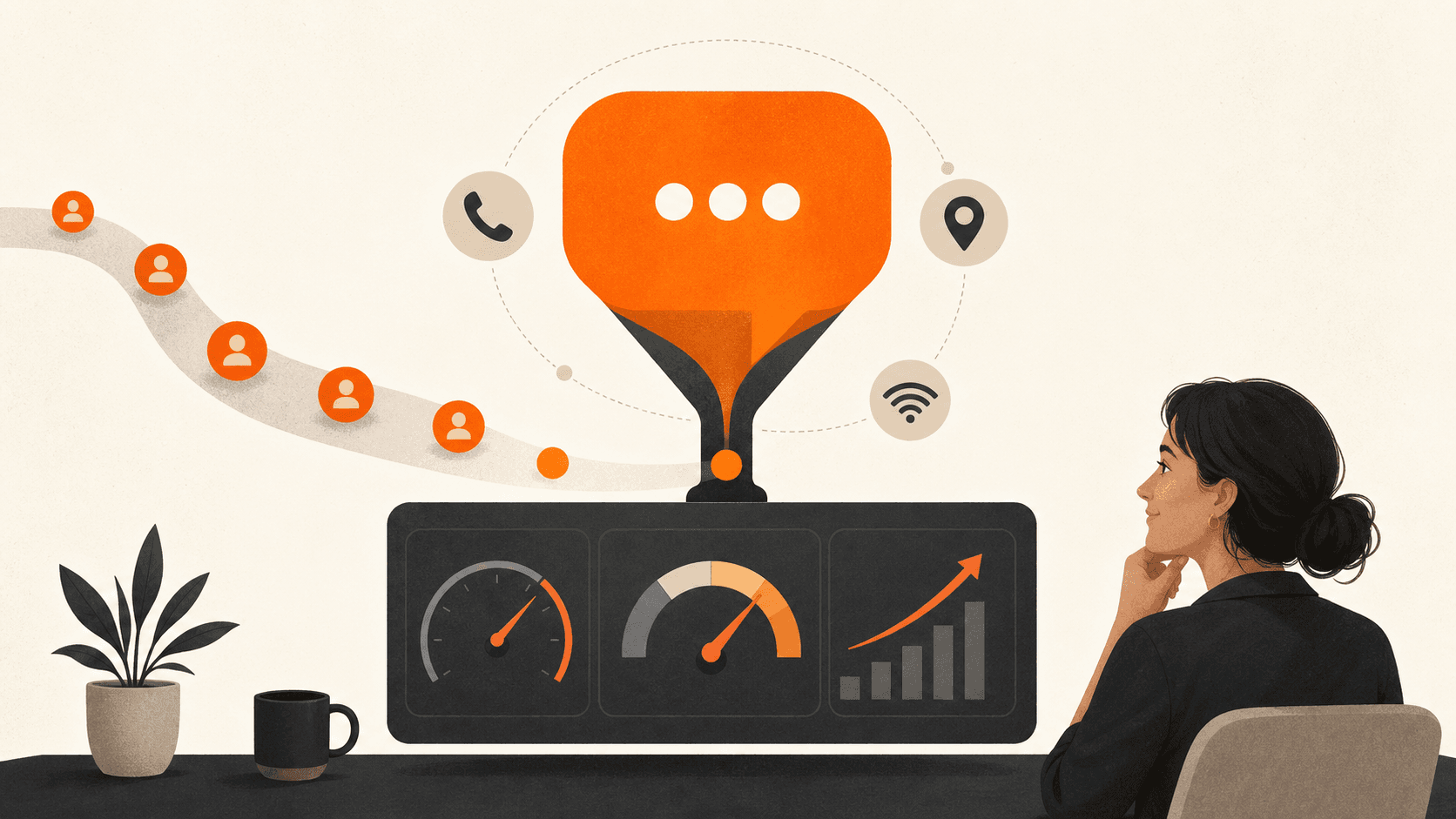
To know it is working, track a few key numbers:
- Chat-to-lead rate
- Lead-to-booked-job rate
- Average response time
The goal is simple. Turn more of the traffic you already get into jobs, not just pay for more clicks. When your system converts better, you can confidently invest more in ads and SEO. That helps you rise up the ranks over the next 90 days, with steady growth instead of random spikes.
Turn Your Chatbot Into Part of Your Growth Plan
The big mindset shift is this. Stop seeing your AI chatbot for business as a gadget. Start seeing it as a frontline sales rep inside a connected marketing system.
If it is not tied into CedarCRM, your Three-Channel Marketing System, and a clear 90-Day Growth Plan, it will never deliver the leads it could. Marketing should be a system, not a gamble.
A simple self-audit can help you see the gaps:
- Is my chatbot capturing real leads, or just answering basic questions?
- Does every chat go into one CRM with automatic follow-up?
- Can I see, in numbers, how many chats turn into booked jobs?
When those answers are clear, your chatbot stops being a toy and starts doing real work inside your Invisible Sales Funnel.
Transform Customer Conversations With Smarter Automation
See how Curve Communications can help you streamline support, capture more leads, and personalise every interaction with an AI chatbot for business tailored to your goals. Our team will walk you through what's possible, what it costs, and how quickly you can launch. If you are ready to explore your options or have specific questions, contact us today.