Stop Losing Leads Between the First Call and the Booking
A CRM for small businesses in Canada should stop good leads from slipping through the cracks. Your marketing may be generating calls and form fills, but every missed call is a missed opportunity when nobody responds, follows up, or records what happened next.
A CRM is more than a contact list. We use it to track a lead from the first Google search, ad click, phone call, website form, or message through to the booked job and final sale. Without that shared record, follow-up depends on memory, spreadsheets, and sticky notes.
For busy teams, leads often arrive from too many places at once. The best CRM helps you capture leads, respond quickly, automate follow-up, and see which marketing channels produce booked work. Fall is a smart time to fix those gaps before year-end demand, holiday closures, and next year's marketing budget decisions.
What a CRM for Small Businesses in Canada Must Do
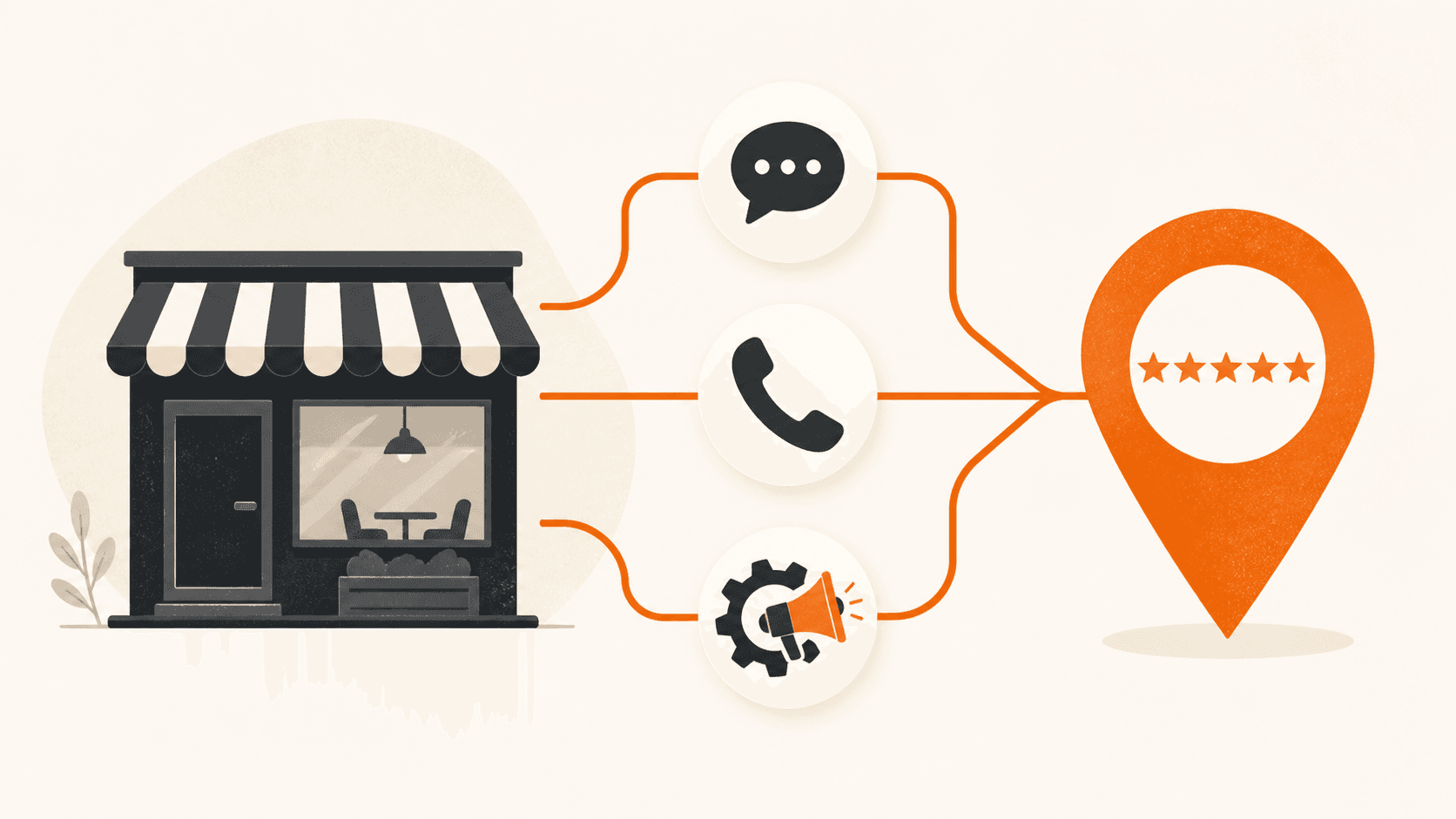
Start with one place for every inquiry. Your CRM should collect leads from phone calls, website forms, your Google Business Profile messages, Google Ads, Meta Ads, and live chat. When each source lands in a different inbox, leads get lost and reporting becomes guesswork.
A clear pipeline matters just as much. We recommend using simple stages that show where each person stands:
- New lead
- Contacted
- Estimate sent or consultation booked
- Won or lost
Canadian businesses also need to look beyond basic features. Your CRM should support Canadian phone numbers and texting, track consent for email and SMS outreach under Canada's Anti-Spam Legislation, and handle customer data with privacy requirements in mind. Canadian dollar reporting and tax-friendly invoice connections can also make day-to-day work easier.
Features only matter when your team uses them. A simple CRM updated every day will outperform a complicated platform that staff avoid. Marketing should be a system, not a gamble, and your CRM becomes the central record that shows whether the system is working.
Compare CRMs by Fit, Not Feature Count
There is no single best CRM for every business. A contractor may need job and estimate follow-up. A dental office may need appointment reminders. A real estate team may need long-term lead nurturing. Professional service firms may need a simple way to track consultations and proposals.
Before choosing software, we suggest mapping your actual sales process:
- List every place your leads come from today.
- Map what happens from first contact to booking.
- Identify the follow-up tasks your team misses most often.
- Choose a CRM that closes those gaps without adding unnecessary work.
Most small businesses fit into one of four categories. Basic contact and pipeline CRMs work for a small volume of monthly leads. Sales-focused CRMs fit teams handling estimates, consultations, and longer sales cycles. Industry-specific systems help where scheduling, patient, property, or job-management workflows matter most.
Connected marketing CRMs are built for businesses that need their ads, website, calls, texts, follow-up, and reporting to work together. CedarCRM is a connected option for service businesses that want lead capture, automated follow-up, pipeline visibility, and reporting in one place.
Don't choose a CRM because it has the longest feature list. Choose one that fits how your team sells, connects with the tools you already use, and makes the next action clear.
Put Speed to Lead and Follow-up First
Speed to lead means how quickly you respond after someone calls, fills out a form, sends a message, or requests an estimate. That quiet gap after an inquiry is where many businesses lose leads. We call it The Invisible Sales Funnel.
Research cited by Harvard Business Review found that companies responding within an hour were much more likely to qualify a lead than those that waited longer. For a small business, that can mean the difference between a booked job and a prospect who has already moved on.
The right CRM can protect leads while your team is serving customers:
- Instant text or email confirmations after web forms
- Alerts sent to the right staff member
- Missed-call text-back messages
- Reminders for estimates, consultations, and no-shows
- AI chat or voice support for basic after-hours questions
Automation should still sound human. We recommend clear, helpful messages that tell people what happens next and make it easy for a real person to take over. The goal is not to replace your team. It is to make sure no one waits in silence while your team is busy.
Set clear ownership for each stage of the pipeline. If a new web lead has no assigned person, everyone may assume someone else handled it. Your CRM should show who owns the next step, when they need to complete it, and what happened after they reached out.
Follow-up also needs a realistic schedule. A lead who does not answer the first call may still be interested. Use reminders for a second call, a short text, or an email that answers a common question. Stop the sequence when the person books, asks you to stop, or becomes a customer.
Choose a CRM That Connects Your Marketing Channels
Disconnected tools create blind spots. If your website, ad accounts, phone system, calendar, and follow-up tools do not share information, you cannot clearly see what is producing revenue.
A connected marketing system brings the full process together. Your website should capture calls and form leads. Local SEO and activity on our Google Business Profile help businesses rise up the ranks in local search. Google Ads and Meta Ads should send prospects to tracked landing pages and follow-up workflows. Then, your CRM should record the original source, response time, booking status, and sale outcome.
This is the foundation of the Three-Channel Marketing System. We balance organic visibility, paid advertising, and follow-up systems instead of relying on one lead source. When one channel slows down, the others can support your pipeline.
The reports that matter are simple. You should be able to review lead volume, cost per lead, contact rate, booked appointments, close rate, and revenue by channel. If Google Ads brings booked jobs while another channel brings only low-quality inquiries, you need that information before increasing your spend.
Look at lead quality as well as lead volume. Ten inquiries that never answer the phone are not as valuable as five people who book consultations. When your CRM tracks the source and outcome of each lead, you can see where to spend more, where to improve your messaging, and where to stop wasting budget.
A CRM should help you make better decisions every month. Clear reporting turns marketing from a guessing game into a process you can improve.
Build Your 90-Day CRM Growth Plan
Before setting your next marketing budget, review how leads move through your business now. A practical 90-Day Growth Plan gives you a clear starting point:
- Audit every lead source and every point where leads can be missed.
- Set up one shared pipeline for calls, forms, texts, and messages.
- Create fast follow-up for missed calls, web inquiries, estimates, and no-shows.
- Track booked appointments and sales back to their original source.
- Review results monthly and improve the channels that produce real revenue.
A useful CRM creates a clear record of what happens after every inquiry. When your team can see the source, owner, next step, and final outcome of each lead, it becomes easier to find leaks, improve speed to lead, and connect booked work back to marketing activity.
Turn Your CRM Into a Growth System
If your follow-up still depends on memory, spreadsheets, or missed calls, we can help. Our CRM for small businesses in Canada services connect your leads, reminders, and reporting in one practical system. Curve Communications builds automation around how your team works, so you can respond faster and see what drives booked work. Contact us to discuss your next steps.