Stop Living in Spreadsheets That Slow You Down
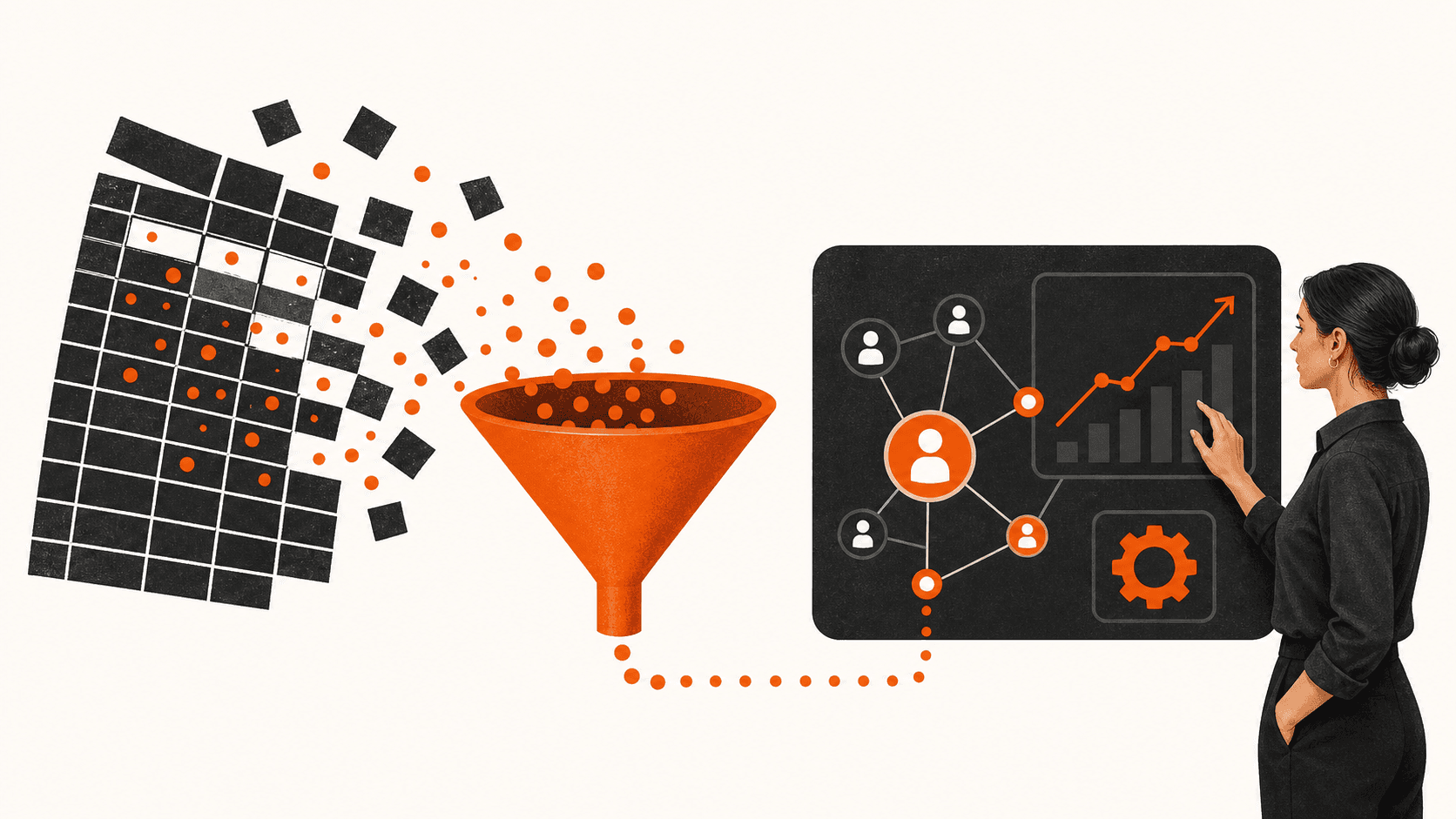
You are probably juggling Google Sheets, Excel, sticky notes, and your inbox to keep track of leads. It feels good enough until you realise people who asked for quotes last week never heard back. That is not a tech problem. That is a system problem.
A spreadsheet can store data. It cannot run your sales. It will not text a new lead back in 2 minutes or remind you to follow up on a quote. It will not show you which marketing channel brings in real buyers. That is what a simple CRM is for. The best CRM for small businesses in 2026 is less about fancy features and more about building a connected marketing system.
Those cheap spreadsheets come with hidden costs:
- Wasted time hunting for that one row with the right phone number
- Missed follow-ups because a column did not get updated
- No clear picture of who is ready to buy and who still needs nurturing
A CRM, in plain language, is one place to track every lead, every call, every text, every email, and every sale. When you connect it to your website, local SEO, and online ads, your marketing becomes a system instead of a gamble. That is how you build what we call The Invisible Sales Funnel. It is a simple process that works in the background 24/7.
The Real Risks of Running Sales From a Spreadsheet
The first big risk is lost leads and slow responses. Most buyers talk to whoever answers first. Studies show that around 78% of leads go to the first responder. Spreadsheets slow you down because you need to open files and sort rows before you even start calling.
By the time you sort and filter, that lead has already talked to your competitor. There is no alert on your phone and no notification on your screen. Every missed call is a missed opportunity when there is no system to catch it and text back.
The second risk is having no follow-up rhythm. With a sheet, it is easy to forget:
- Who you called yesterday
- Who texted back but still needs a quote
- Who asked you to check in next month
If you lose just one follow-up each week, that can add up to thousands in lost revenue over a year. A spreadsheet cannot tap you on the shoulder with a reminder. It cannot send a quick follow-up text for you.
The third risk is bad data and no clear forecast. Simple input errors can wreck your reports. One wrong date or missing value and your totals do not add up. It becomes almost impossible to see your true close rate or where leads tend to stall.
That bleeds into hiring, inventory, and cash flow. You end up guessing instead of planning.
What a Simple CRM Can Do That Sheets Never Will
A good CRM gives you one place for every contact and every conversation. Each lead has a profile with their details and a full timeline:
- Calls in and out
- Texts sent and received
- Emails, forms, and notes
Because everything lives in one place, your connected marketing system finally makes sense. Website leads, local SEO traffic, and ad clicks all show up in the same view. Any team member can jump in without asking for the latest version of a file.
The next big win is automatic follow-up and reminders. A CRM can:
- Send an instant text when someone fills out a form
- Trigger a simple follow-up path, for example, day 1 text, day 2 email, day 4 call reminder
- Create tasks so you never forget to confirm a quote or booking
That is The Invisible Sales Funnel in action. Leads keep moving even when you are on jobs, in the truck, or on another call.
You also get a clear pipeline so you actually know what is coming. Think of a pipeline as a list of stages, from new lead to closed sale. A good CRM shows:
- How many deals are in each stage
- What each deal is worth
- Where deals tend to get stuck
Now you can plan staffing and budgets with more confidence. You can see likely revenue for the next few weeks.
How a CRM Powers a Three-Channel Marketing System
Most small businesses we work with in Vancouver and across Canada rely on three main channels: website, search, and online ads. Your CRM should be the hub that connects all three.
Your website and local SEO should feed one system. When someone:
- Fills out a form
- Starts a web chat
- Calls a tracking number
their info should go straight into the CRM, not into a random inbox. As you rise up the ranks in local search, that traffic needs a home. The CRM turns anonymous clicks into real contacts with names, numbers, and clear next steps.
Call tracking data in the CRM also shows which pages and search terms bring buyers, not just visitors. That is how you stop guessing what is working.
For online ads, the CRM lets you connect every lead to a clear source. Now you can see which campaigns lead to booked appointments and sales, not just impressions and clicks. Marketing should be a system, not a gamble. When you see the full path from ad to revenue, you can shift budget to what actually pays for itself.
When all three channels feed into the same follow-up engine, you have a simple Three-Channel Marketing System. Every new lead gets:
- The same fast response
- The same nurturing sequence
- The same clear booking path
The CRM is the heart of that system. Without it, you just have disconnected traffic and noise.
What to Look For in the Best CRM for Small Businesses in 2026
The best CRM for small businesses in 2026 is not the one with the longest feature list. It is the one your team will actually use every day.
Look for something simple, not bloated. If the dashboard looks like an airplane cockpit, your team will avoid it. You want:
- A clean home screen with pipeline, tasks, and today's leads
- Easy navigation so new staff can learn it in an afternoon
- Solid mobile access, since a lot of work happens on jobsites, in trucks, or in home offices
Speed to lead tools should be built in, not bolted on. At a minimum:
- Instant lead alerts by text or app
- Two-way texting so you can have real conversations
- Call tracking and missed call text-back, because every missed call is a missed opportunity
- Simple automated follow-ups by text and email that you can set up without an IT team
You also need real local support and clear pricing. Support from people who understand Canadian small business realities is worth a lot. Watch for surprise fees, seat limits, or feature add-ons that pile up as you grow.
In the end, the best CRM for small businesses in 2026 is the one that fits your workflow. It should help you move leads through a clear process, not just win a feature checklist.
Why We Built CedarCRM and How to Move Off Spreadsheets in 30 Days
We work with trades, local services, and professional firms across Canada. We kept seeing the same issue. Good people, lots of leads, no simple system. So we built CedarCRM for small teams that live and die by calls, texts, forms, and bookings.
CedarCRM plugs straight into your Three-Channel Marketing System. Every lead from your website, local SEO, and ads flows into one place. It is designed around speed to lead and follow-up, with:
- Missed call text-back
- Automatic replies to web forms
- Task reminders tied to your pipeline
It also supports The Invisible Sales Funnel. We tie it into our 90-Day Growth Plan so you see quick wins instead of a long setup. Reporting is simple. You see new leads this week, booked jobs, closed revenue, and which channels are producing.
If you want to move from spreadsheet to CRM in about 30 days, use this plan:
- Map your current process
- List each step from first contact to paid invoice
- Note where things break, missed calls, lost notes, and no reminders
- Decide which steps the CRM should automate and which your team still handles
- Clean and import your data
- Pull contacts from sheets, inboxes, and phones into one master file
- Fix obvious errors, duplicates, and missing phone or email fields
- Import into the CRM and tag contacts by source or segment
- Turn on your Invisible Sales Funnel
- Set up a fast reply text for new leads and a short follow-up for quotes
- Connect website forms, call tracking, and online ads so every new contact lands in the CRM
- Train your team on one daily habit, log every call, update every deal, and review the pipeline once per week
Spreadsheets can store data, but they cannot run your sales or protect your leads. A good CRM becomes the base of your connected marketing system. It helps you win on speed to lead and keeps follow-up consistent across channels. That is how your marketing stops feeling like a gamble and starts working like a system.
Turn Your CRM Strategy Into Measurable Growth
If you are ready to put a smarter customer management system to work, Curve Communications can help you select and implement the best CRM for small businesses in 2026 for your goals and budget. We work with you to map your sales, marketing, and service processes so your CRM actually gets used and delivers clear ROI. Tell us what you want to achieve, and we will create a practical roadmap with real timelines and support. Have questions or want to talk it through first? Simply contact us to start the conversation.