Stop Hiding on Google Maps And Start Getting Found
Your customers pull out their phones, type in what they need, and tap a business from Google Maps. If you are not showing up there, you are basically hidden, even if your website looks great. It gets more frustrating when your competitors show up in the map pack again and again, while you sit below the fold or off the page.
Your Google Business Profile is the front door of what we call your Invisible Sales Funnel. It is where strangers first decide if they even want to learn more about you. Posts, reviews, photos, and how fast you respond all affect how you rise up the ranks on Google Maps. They also affect how many of those views turn into real leads. This playbook is about simple habits you repeat every week, not a one-time tweak you forget about.
We are Curve Communications in Vancouver, and we connect your profile to your website and CedarCRM so it all works as one connected marketing system. We call this our Three-Channel Marketing System. It is built so marketing is a system, not a gamble. By the end, you will have one clear action plan and a 90-Day Growth Plan you can actually follow.
The Three-Channel Marketing System for Local Leads
When you think about Google Maps, it is easy to obsess over rankings and forget the bigger picture. You do not just need more views. You need more leads and more customers. That is where our Three-Channel Marketing System comes in.
Channel 1 is your Google Business Profile and local SEO. This is how people find you on the map when they search for your service in their area.
Channel 2 is your website. This is where you prove you are the right choice, with clear services, pricing ranges, answers, and social proof.
Channel 3 is your follow-up. This is calls, texts, email, and the systems inside CedarCRM that keep every inquiry moving.
Here is how it all ties back to Google Maps rankings:
- Your profile helps you get seen in local search.
- Your website content and local signals support your relevance and authority.
- Your speed to lead and follow-up turn clicks into conversations and customers.
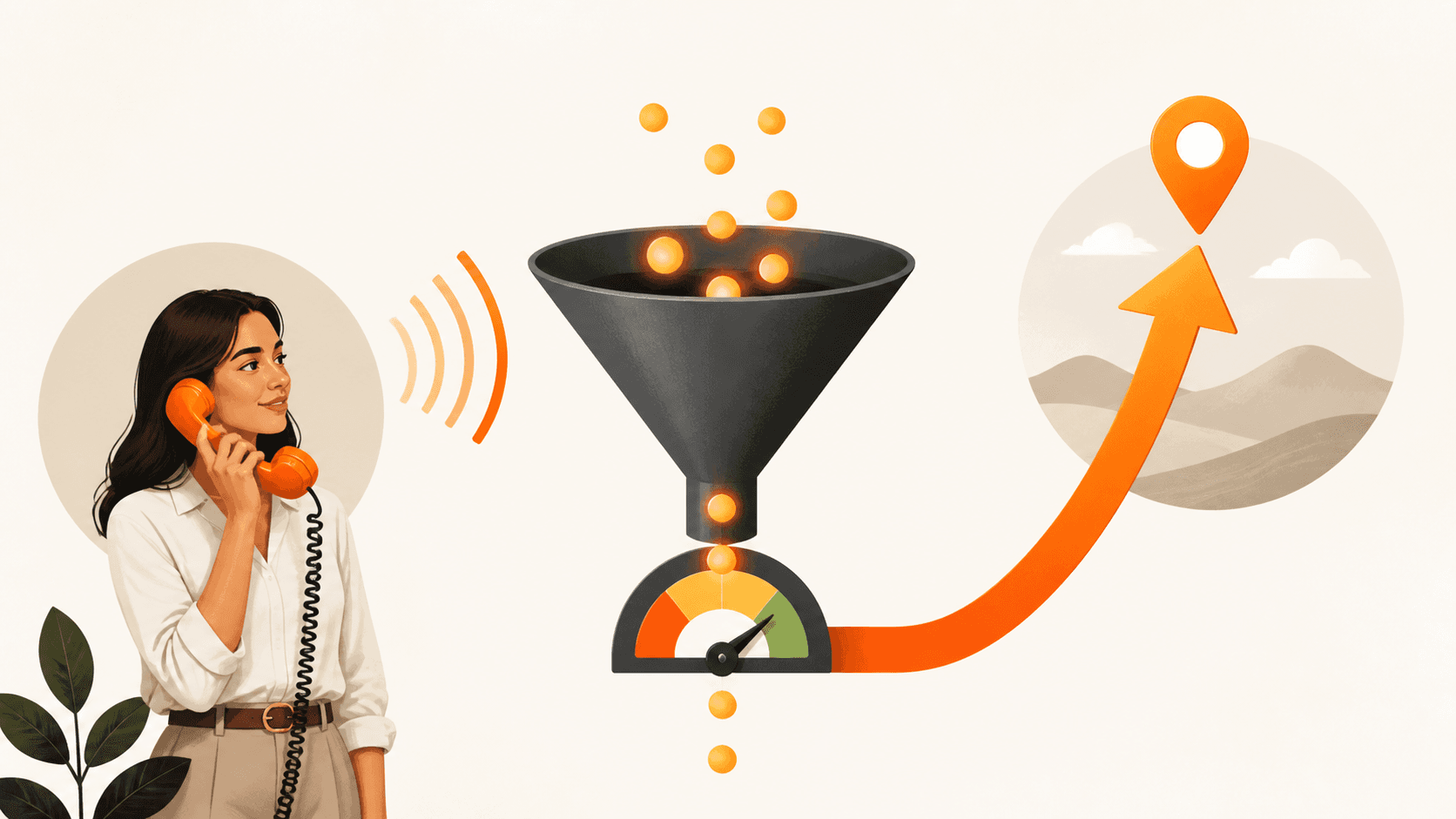
Most people will not contact you on their first visit. That is why we talk about the Invisible Sales Funnel. Your job is to pull them from map search, to your profile, to your site, then into your CRM automatically. Every missed call is a missed opportunity, so your system has to catch, track, and nurture them even when you are on a job or with a client.
Your Google Business Profile basics done right
You cannot rise up the ranks if your profile is weak or wrong. The basics are boring, but they move the needle.
Start with setup and accuracy:
- Use the exact same business name, address, and phone number everywhere online.
- Pick the right primary and secondary categories that match your main services.
- Set clear service areas and accurate hours, including holiday hours.
- Write a short description focused on the problems you solve, in simple language.
Next, use photos to build trust and earn more clicks:
- Add real photos of your team, office, trucks, or finished work, not stock images.
- Upload new photos every month with clear file names and short captions.
- Share before-and-after photos when it fits your service, like trades and home services.
To make your profile part of your connected marketing system, do not just send people to a generic home page. Link the main button to a landing page that matches what they searched for, like "emergency plumbing" or "family dentist." Use tracking links so you can see which calls and form fills came from Maps. Then send those leads straight into CedarCRM so follow-up is automatic and organized.
Google Posts that Turn Browsers Into Buyers
Google Posts are short updates that show under your Google Business Profile on Maps and Search. Many small businesses ignore them, which is a missed chance to stand out. Posts show Google that you are active and relevant. They also give you extra space to answer questions before someone even clicks to your site.
We like to keep posting simple with three core post types:
- Offers: A clear deal, a deadline, and a simple "Call now" or "Book online" action.
- Proof: A quick story or screenshot of a review, plus what you did and the result.
- Education: One short, practical tip that saves your customer time or money.
Aim for 1 to 2 posts per week. You can reuse content you already have from your site or social media, but rewrite it in plain, direct language. Keep it focused on one main idea per post. Over time, this steady activity helps you stay top of mind and supports how you rise up the ranks on Google Maps by showing ongoing relevance and engagement.
Reviews, Ratings and How To Rise Up The Ranks
Reviews are not just for social proof. They are one of your real ranking engines on Google Maps. More reviews, with real written text, often help you rise up the ranks. How often you get them matters too, because ten reviews this month are a stronger freshness signal than ten from years ago. Google also reads the words inside your reviews, so what people say can affect what searches you appear for.
You do not need complex software to start a simple review system:
- Ask every happy customer, not just the super fans.
- Send a direct review link by text or email the same day you finish the job.
- Use CedarCRM to automate those requests so you do not forget.
Replying well is part of the system:
- Respond to every review within 24 to 48 hours to show strong speed to lead.
- Use short, human replies, and repeat key services in a natural way.
- For bad reviews, stay calm, own your part, and invite them to call you directly. Do not argue in public.
This blend of volume, freshness, keywords, and replies sends strong signals to both Google and potential customers.
Turning Calls and Clicks Into Real Leads
Higher rankings are not the goal. Revenue is the goal. More views on Maps do not mean much if no one calls, books, or fills out a form. Your Invisible Sales Funnel should track the full path from first search, to click, to call, to sale. Every missed call is a missed opportunity, and over a month those missed chances can add up.
You fix this with systems, not more willpower:
- Aim to reply to new calls, texts, and forms within 5 minutes.
- Use CedarCRM to send instant texts and emails when a new lead comes in.
- Turn on missed-call text-back so people hear from you even if you could not pick up.
- Give your team simple scripts for first contact so nobody is guessing what to say.
Then you close the loop with reports you can act on:
- Track how many calls and forms came from Google Maps, not just overall traffic.
- Look at which posts, offers, or services created the most leads.
- Use that data to shape your next 90-Day Growth Plan so you double down on what works.
Your 90-Day Growth Plan to Climb Google Maps
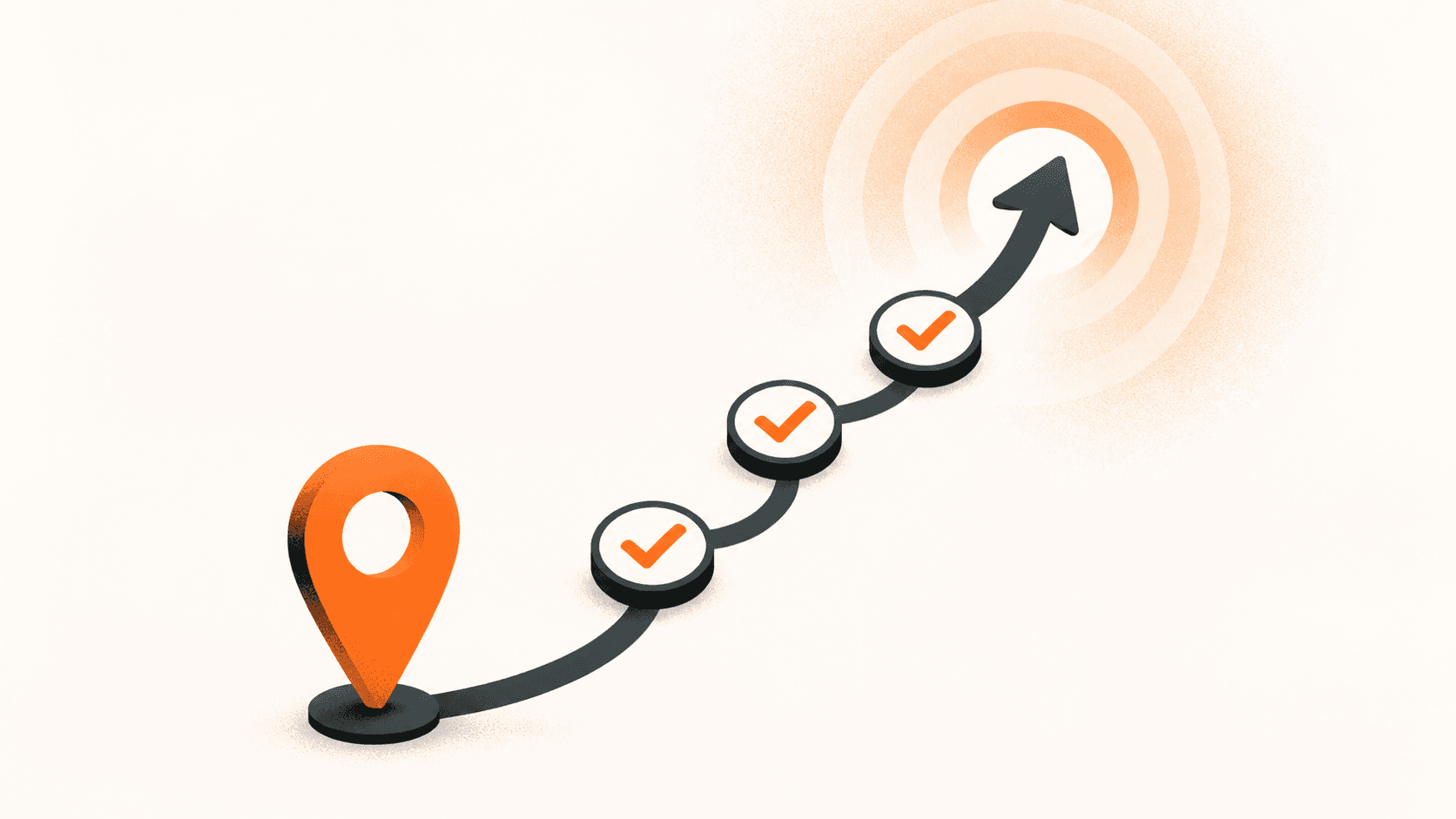
To make this stick, you need a clear 90-Day Growth Plan. Think in three 30-day blocks.
Days 1 to 30, fix the foundations:
- Clean up your name, address, phone, and categories.
- Update hours, including holiday hours.
- Add at least 20 real photos of your team and work.
- Point your profile to a strong, matching landing page with tracking.
Days 31 to 60, build activity and social proof:
- Post on Google once or twice a week using Offers, Proof, and Education.
- Set up a review request system for every happy customer.
- Turn on review request automation inside CedarCRM if you are using it.
Days 61 to 90, tighten speed to lead and tracking:
- Set up instant text and email follow-up for new leads.
- Use missed-call text-back so fewer opportunities slip away.
- Review your reports and see which actions helped you rise up the ranks.
Keep it simple with weekly habits:
- 15 minutes once a week for posts and photo uploads.
- 10 minutes once a week to read and respond to reviews.
- 20 minutes once a month to review reports and adjust your 90-Day Growth Plan.
When you treat Google Maps as part of a connected marketing system, your Google Business Profile stops being a static listing and becomes a living part of your Invisible Sales Funnel. Marketing should be a system, not a gamble. Your next step is to choose your 90-day window and start your first 30 days of fixes this week.
Boost Your Local Visibility And Convert More Nearby Customers
If you are ready to turn more map views into real customers, we can help you build a tailored strategy around How to rank higher on Google Maps. At Curve Communications, we combine proven local SEO tactics with practical content and review strategies that fit your goals and budget. Tell us about your business and we will outline clear next steps, timelines and realistic outcomes. Reach out today and contact us to get started.