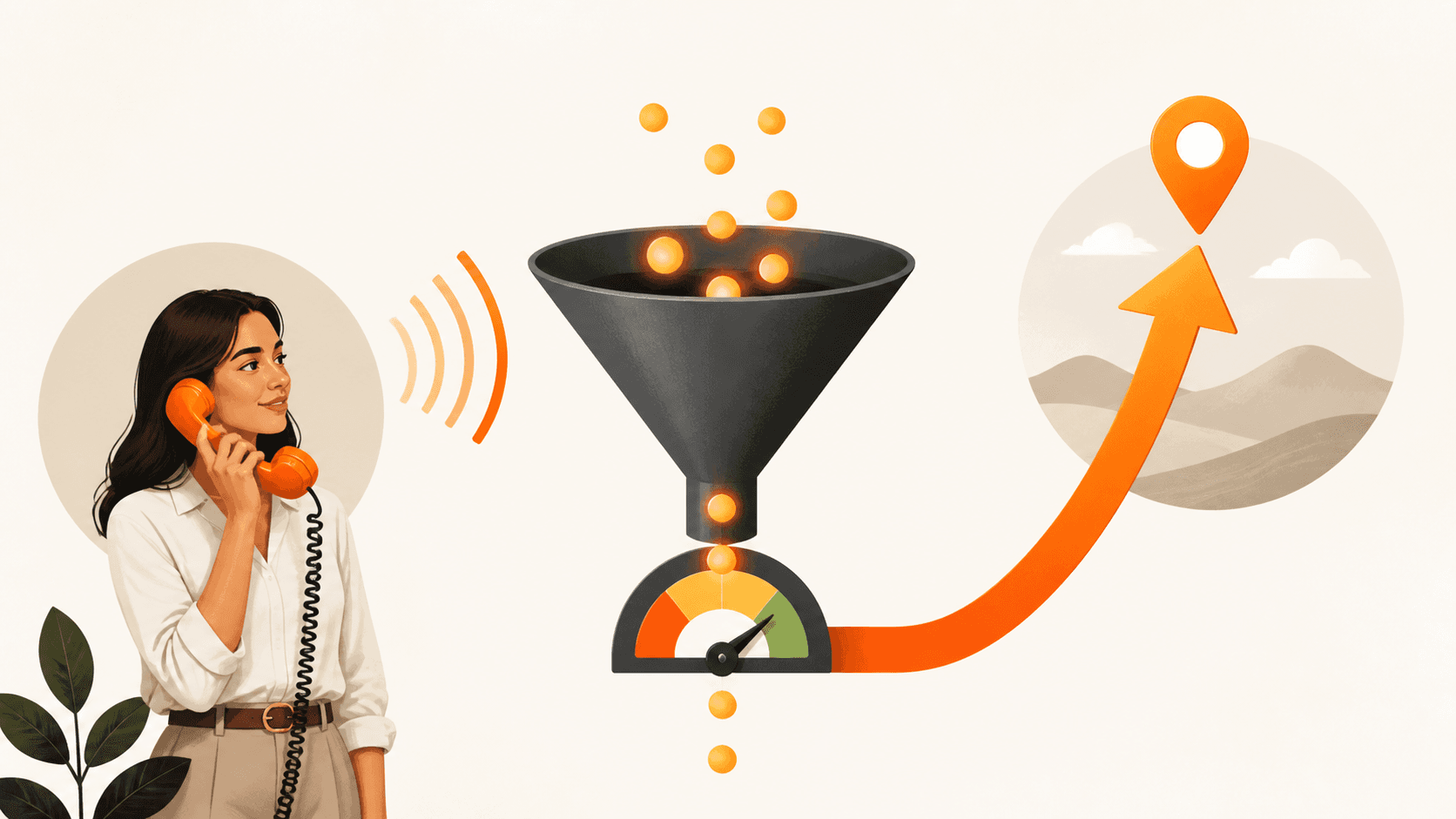
Stop Letting Local Leads Slip Through Your Fingers
You show up in Google, but the phone is quiet. Your Google Business Profile looks fine at a glance, yet other local businesses keep getting the calls and booked jobs. That gap is not bad luck. It is usually small, hidden SEO problems inside your Profile.
Incomplete info, weak photos, and slow replies send a signal to both Google and real people that you might not be the best option. When that happens, you slide down while better profiles rise up the ranks. In this guide, we share a simple Google Business Profile optimization checklist you can work through in a weekend.
Your Profile is not a side task. It is the front door of your Invisible Sales Funnel and a key piece of your connected marketing system. As we move into cooler months, more people compare options online before booking work, so small fixes now can turn into steady jobs when things usually slow down.
Lock in the Basics so Google Actually Trusts You
Before you think about fancy tricks, you need clean basics. Google wants to show businesses it trusts. If your name, address, phone, and hours are messy or different across the web, both Google and your customers hesitate.
Start with your NAP, which stands for name, address, phone.
- Use your exact legal business name, without stuffing extra keywords.
- Match your address and phone to what is on your website, invoices, and social pages.
- Check at least these listings for exact matches: Google, Facebook, Apple Maps, Yelp, Yellow Pages.
Next, choose the right category. This is how Google decides which searches you can show up for.
- Pick one clear primary category that matches how customers talk about you, like plumber, roofer, dentist, or marketing agency.
- Add two to four supporting categories from Google's own list that match real services you offer.
- Note that your category can unlock features like bookings, menus, or service lists, so do not guess.
Then fix your hours and service area. Wrong hours lead to calls going to voicemail. Every missed call is a missed opportunity.
- Set your normal hours and keep them updated.
- Add special holiday hours when needed, especially in late fall and winter.
- If you serve customers at their homes, use a service area and hide your home address.
When these basics match across your Profile, website, and core listings, you build trust. That trust helps you rise up the ranks over time.
Turn Your Profile Into a Local Lead Magnet
Most local profiles look like digital business cards. You want more than that. Your Profile should pull in calls, messages, and form fills every week.
Start with a clear, human business description. Skip buzzwords. Write like you talk.
- Use two to four short paragraphs.
- Say what you do, who you serve, and what makes you easy to work with.
- Mention your main neighbourhoods or cities and one or two core services.
- Use simple lines like "Marketing should be a system, not a gamble" to share your mindset.
Next, build a photo and video library. People trust what they can see.
- Add at least 20 strong photos over the next 90 days.
- Include exterior shots, interior shots, your team, and real projects or jobs.
- Use bright, clear images with little or no text on them.
- Upload short 15- to 30-second videos that show your team in action.
Then craft offers and buttons that convert. Do not send people to a slow, confusing page.
- Choose the right button, like Call Now or Book Online.
- Link it to a simple mobile page that loads fast and matches what they saw in your Profile.
- Use Google Posts to share one clear offer at a time, like a fall tune-up or pre-winter inspection, with an end date and clear next step.
- Make sure every click drops into your Invisible Sales Funnel so no one gets lost.
This is where Google Business Profile optimization goes from "nice to have" to real leads.
Reviews, Messaging, and Speed to Lead
You can have great info and photos and still lose to a competitor with more reviews and faster replies. Reviews and response time are two of the strongest trust signals for both Google and real people.
You need a steady review machine, not random bursts.
- Aim for a few new reviews every month, consistently.
- Ask right after a job is done or a visit ends, while the good feeling is fresh.
- Send a direct link to your Profile by text or email so it takes only a few taps.
- Reply to every review within 24 hours, good or bad, to show you care.
Turn on messaging the right way. Many people would rather text than call.
- Activate Google Messaging so people can reach you straight from your Profile.
- Decide who will reply, what hours they will cover, and what they are allowed to promise.
- Use a simple script: ask for name, job type, and timeline, then move them to a booked call or appointment.
- Feed every message into your Invisible Sales Funnel so follow-up is automatic.
Then focus on speed to lead. The faster you respond, the more deals you win.
- Leads contacted in minutes, not hours, are far more likely to turn into real work.
- Tools like CedarCRM can alert your team as soon as a new lead calls, texts, or fills a form.
- Use call tracking, missed call text-back, and automatic follow-up to close the gap.
Every missed call is a missed opportunity, so your connected marketing system has to hit back fast.
Track, Tweak, and Plug Google Into Your System
Your Profile is not set-and-forget. It is one channel in a Three-Channel Marketing System along with your website and your ads. All three should work together as one connected marketing system.
First, watch the right numbers in Google Insights once a month.
- Calls from your Profile
- Website clicks
- Direction requests
- The common words people use to find you
Look for patterns. Maybe you see more "emergency" searches in winter or more "tune-up" terms in fall. Use that info to tweak your description, photos, and Google Posts to match what people want right now.
Next, connect your Profile to your Invisible Sales Funnel.
- Make sure any page you link to loads in under three seconds on a phone.
- Use CedarCRM or another simple CRM to tag leads from Google, ads, and referrals.
- Set automatic text and email follow-up for leads who contact you but do not book right away.
- Keep light follow-up going for 7 to 30 days so you win jobs your competitors forget.
Finally, plan your next 90 days instead of guessing week to week.
- Month 1, fix the basics and build better content and photos.
- Month 2, focus on reviews, messaging, and speed to lead.
- Month 3, review your data, improve your offers, and tighten your system.
Marketing should be a system, not a gamble. When your Google Business Profile feeds a real system like this, it becomes a 90-Day Growth Plan in action and helps you rise up the ranks while you stay focused on serving your customers.
Get Started With Your Project Today
If you are ready to turn local searches into real customers, we are here to help. At Curve Communications, we use a strategic approach to Google Business Profile optimization that is tailored to your market and goals. Tell us about your business, and we will recommend practical next steps and a clear roadmap. Have questions or want to discuss timelines and budgets directly? Simply contact us and we will follow up promptly.