Stop losing leads you already paid for
Missed calls, slow replies, and scattered notes quietly drain your marketing budget. You work hard and pay good money to get the phone ringing. Yet good leads slip away because nobody got back to them in time. That is not a marketing problem. That is a systems problem.
Think about two common situations. Your phone rings while you are up a ladder or with a customer. You let it go to voicemail, then by the time you call back the next day, they have already booked someone else. Or a web form hits your inbox on Friday night. You do not see it until Monday morning, but the lead is already off the market.
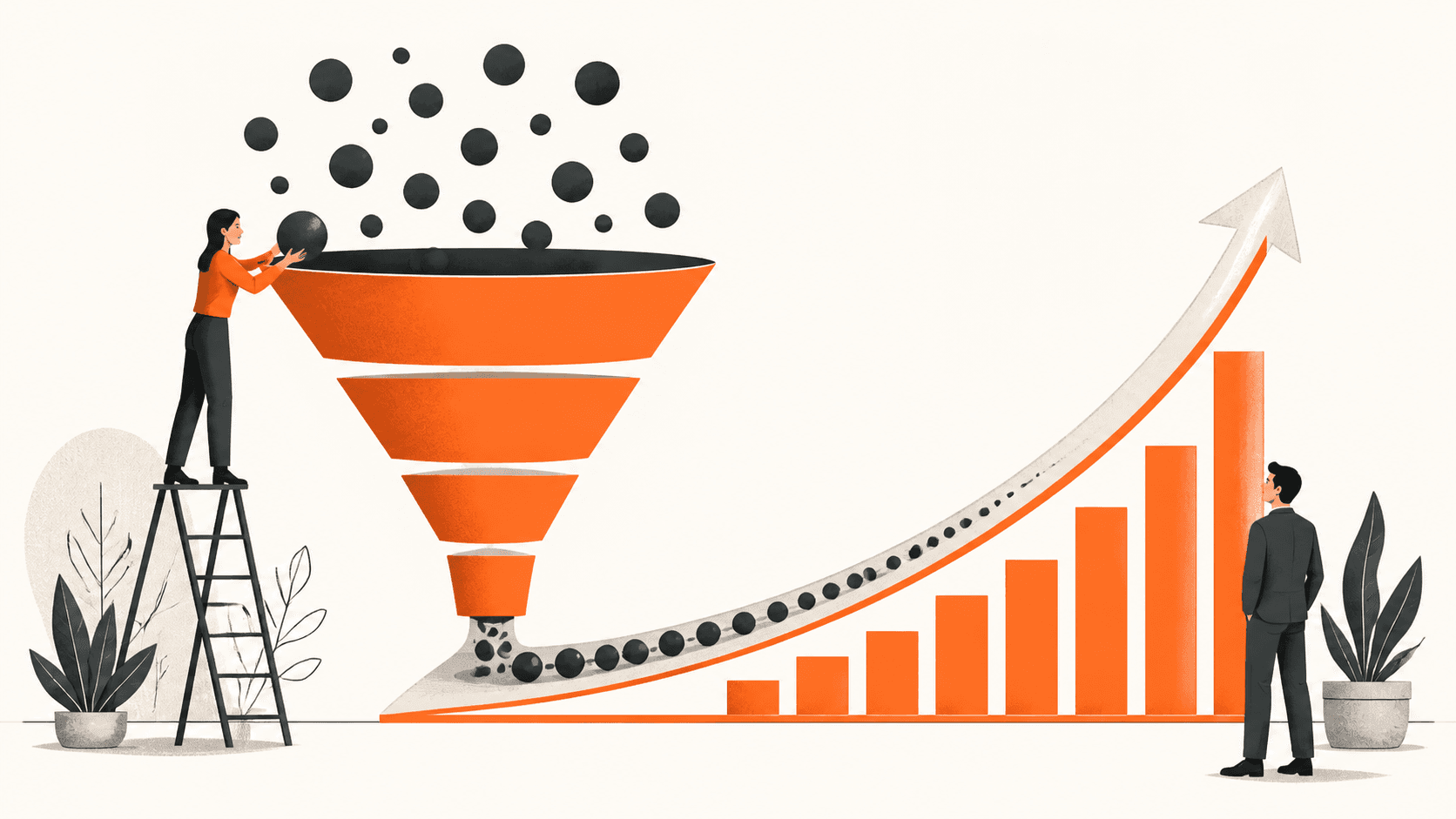
Marketing should be a system, not a gamble. That is where a CRM comes in. A CRM is simply a single place that tracks every contact, every conversation, and every deal. When you add automation to it, you get what we call The Invisible Sales Funnel, quietly working in the background when you are busy, sick, or closed.
What CRM automation really is
CRM automation sounds technical, but it is simple.
- CRM: The tool where all your customer info and conversations live.
- Automation: Rules that tell your CRM what to do so you do not forget.
For a small business, this is not about fancy dashboards. It is about practical tools you will actually use, like:
- Instant text when a new lead fills out a form, so they know you got their message.
- Automatic email when someone misses your call, with a link to book a time.
- Task reminders for you or your team to follow up in 1, 3, and 7 days.
- A text asking for a review a couple of days after a job is finished.
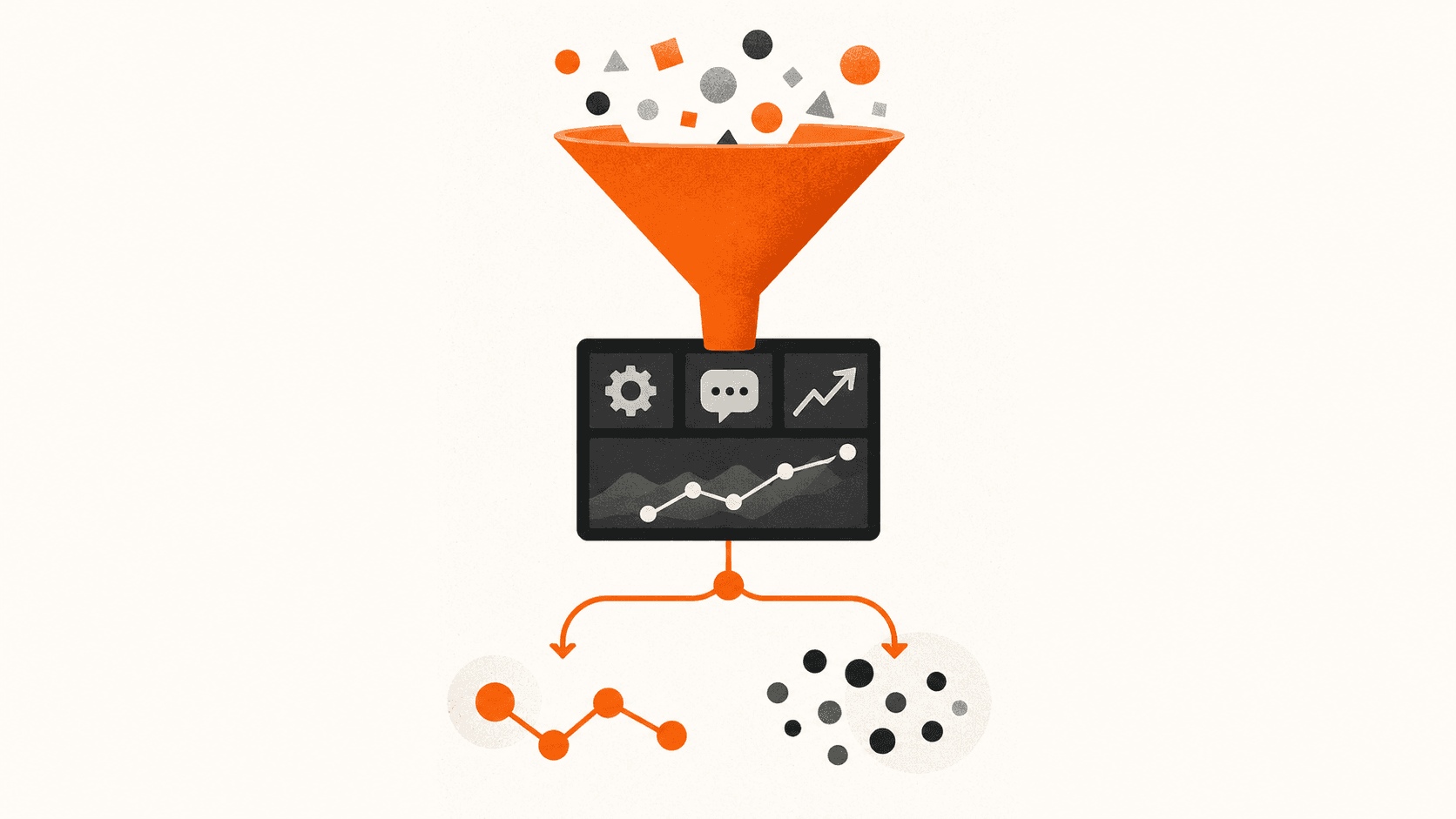
When your CRM talks to your website, local SEO, and ads, you get a connected marketing system. All the leads from your forms, calls, and messages go into one place instead of random inboxes or sticky notes.
That is The Invisible Sales Funnel. Most follow-up happens without you touching it. You step in only when there is a real sales conversation to be had.
The hidden costs of manual follow-up
Manual follow-up feels free, but it is not. It costs you time, money, and peace of mind.
Speed to lead matters. Independent research has shown that leads you contact in under five minutes are many times more likely to convert than leads you contact after half an hour. If you are in the field most of the day, you are almost never inside that five-minute window.
Then there is the "Every missed call is a missed opportunity" problem. One missed call a day can easily mean dozens of lost leads a month. If each new customer is worth even a few hundred dollars, that is thousands walking away while you are still paying for ads and SEO.
Manual follow-up also suffers from human error and memory:
- You forget to call back a quote request.
- Your team forgets to log a note about what was promised.
- Nobody is sure where a deal left off or who owns the next step.
Those small slips pile up into chaos. The emotional cost is real too. You feel constant stress because you do not know what is slipping through the cracks. It starts to feel like your marketing does not work, when the real issue is follow-up, not leads.
How CRM automation fits a Three-Channel Marketing System
We like to keep marketing simple with a Three-Channel Marketing System.
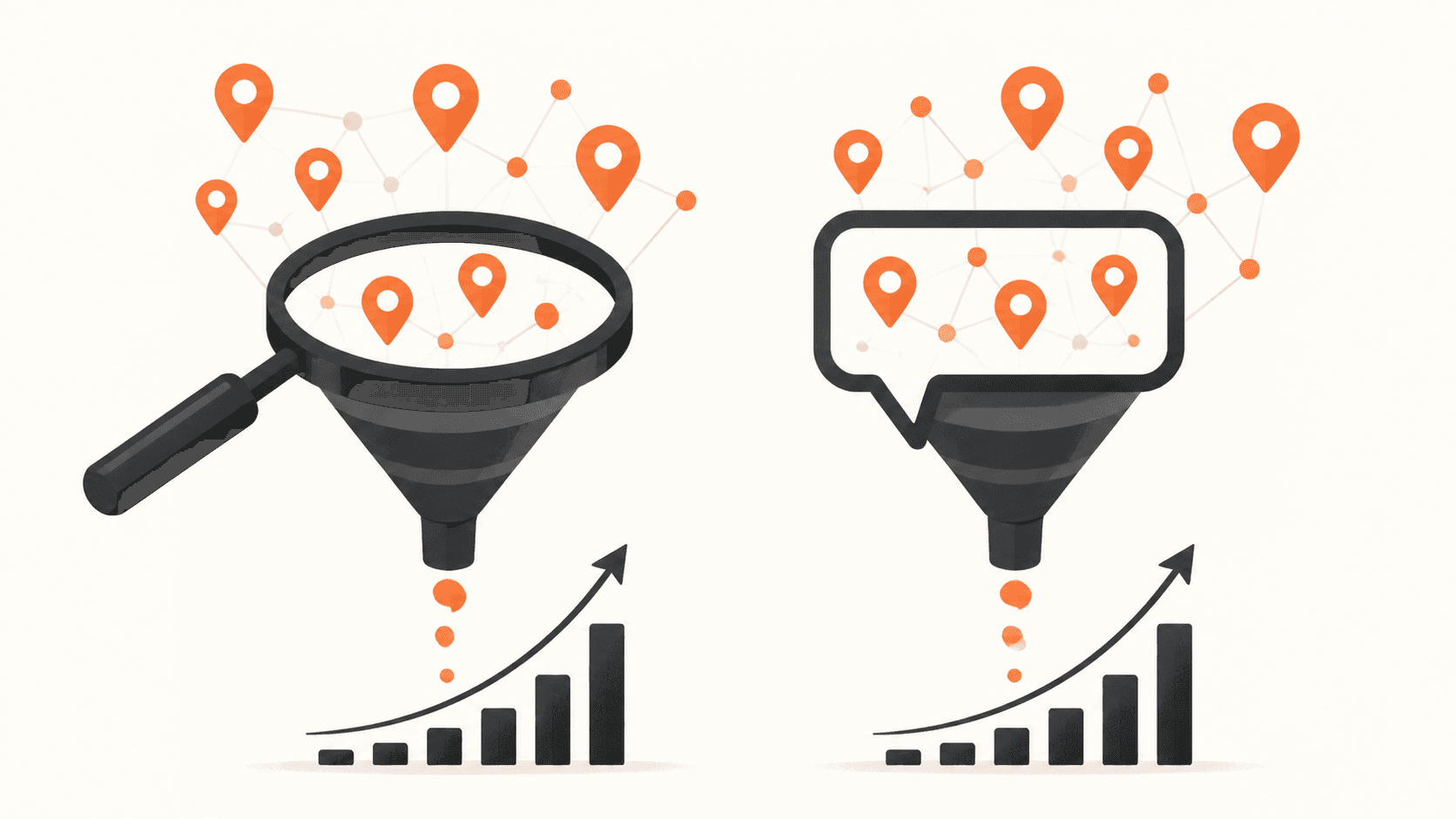
- Channel 1: People who search for you on Google through local SEO and paid search.
- Channel 2: People who see your ads on social or display and get curious.
- Channel 3: People who already know you, like past customers, referrals, and your email list.
Here is how CRM automation supports each channel.
Channel 1: When someone finds you on Google and fills out a web form, a contact is created automatically. They get an instant reply, and your team is notified to follow up. Speed to lead is built in.
Channel 2: When leads come in from ads, they drop straight into the CRM instead of sitting in a forgotten inbox. They get a fast text, a simple offer, and a booking link. Your ad spend starts turning into real conversations.
Channel 3: Past customers and referrals get regular, low pressure follow-ups. Service reminders, seasonal offers, and friendly nudges to send referrals can all run on autopilot.
In a connected marketing system, everything talks to everything. Your forms, call tracking, email, text, and sales pipeline line up so you are not guessing which channel is working. We built CedarCRM with this in mind for small businesses that need speed to lead and want a simple The Invisible Sales Funnel instead of a bloated enterprise tool.
Do you actually need CRM automation yet?
Not every business needs a CRM right away. Here is a quick self-check. If you answer yes to most of these, you are ready.
1. Do Leads Reach You From More Than One Place?
Phone, website forms, social messages, Google Business Profile, referrals. If you cannot see them all on one screen, you are guessing.
2. Are You Following up Within Five Minutes Most of the Time?
If you are out on the road or on a job, that is tough. Automation fills the gap so you still look sharp.
3. Do You Have the Same Follow up Pattern for Every Lead?
For example: text in 1 minute, call in 5 minutes, second call next day, email on day 3. If the answer is "it depends who answers the phone," automation will help.
4. Do You Know Your Numbers?
You should be able to see, in a couple of minutes, how many leads you get a week, how many turn into quotes, and how many become jobs.
A simple rule-of-thumb:
- Fewer than 10 leads a month, you might not need a full CRM yet. A shared spreadsheet can work.
- Around 20 or more leads a month, even basic automation can cover its cost quickly by saving a few extra deals.
Choosing the best CRM for small businesses in 2026
The best CRM for small businesses in 2026 is not the one with the most features. It is the one your team will actually use every day.
Here is a simple buying checklist that does not require a tech background:
- Ease of use. Can you and your team learn it in a day or two?
- Speed to lead tools. Instant texts, missed call texts, and fast notifications.
- Text, email, and pipeline in one place, so your The Invisible Sales Funnel runs without five different logins.
- Helpful support from real people who understand small business.
Watch out for common traps:
- Big enterprise tools that look impressive but really need a full-time admin.
- "Free" tools that cost you in time, confusion, and missed follow-up.
We built CedarCRM as part of our connected marketing system for small businesses across Canada. It focuses on speed to lead, simple automation, and clear pipelines, not tech toys you never switch on.
There is no single best CRM for small businesses in 2026 for everyone. You want a tool that fits your Three-Channel Marketing System and your team, so using it becomes a habit, not a headache.
Turn CRM automation into a 90-Day Growth Plan
Technology only helps if you turn it into a simple plan. Ninety days works well. It is long enough to see results but short enough to keep focus.
- Days 1 to 30: Get the basics in place
- Choose your CRM and import your contacts.
- Set up simple pipelines, like "New Lead," "Quote Sent," "Won," "Lost."
- Turn on a few key automations: instant lead text, missed call text, and a short first follow up sequence.
- Train your team to work from the CRM first, not from personal phones or notebooks.
- Days 31 to 60: Tighten The Invisible Sales Funnel
- Add review request messages after completed jobs.
- Add short nurture emails to past customers with helpful tips that point back to your services.
- Start tracking weekly numbers: leads, speed to lead, and booked jobs.
- Days 61 to 90: Make it a real system
- Connect your Three-Channel Marketing System fully so website forms, local SEO leads, and ad leads all push into the CRM.
- Review what is working. Drop steps nobody uses and improve steps that close more jobs.
- Set a simple monthly "CRM checkup" to tidy data and tweak automation.
Marketing should be a system, not a gamble. With a clear 90-Day Growth Plan and the right CRM, you turn automation from "nice software" into steady revenue, less stress, and a business that does not fall apart when you miss a call.
Boost Your Small Business Growth With The Right CRM Partner
Choosing the right CRM can feel overwhelming, but we help you cut through the noise and find the solution that actually supports your sales, marketing, and customer service goals. At Curve Communications, we work with you to assess your needs and recommend the best CRM for small businesses in 2026 so you can focus on growing your revenue. If you are ready to move from research to implementation, contact us and we will help you build a clear, actionable CRM roadmap.